
Eight tools that actually lift your click-through rate, ranked and priced honestly, sorted by how you work rather than by who pays the biggest affiliate commission.
Your thumbnail decides whether anyone watches. YouTube has said that around 90% of its best-performing videos use a custom thumbnail, and on most channels the difference between a 3% and a 6% click-through rate is the difference between a video that dies and one that takes off. So picking the right one of the best AI thumbnail generators in 2026 matters more than almost any other tool decision a creator makes. This is the honest guide to which one to use.
The tools split into three camps, and mixing them up is where people waste money. There are dedicated AI thumbnail makers that generate the image for you, design editors like Canva that hand you templates and a canvas, and YouTube research suites that bundle a thumbnail feature onto keyword and analytics tools. Each is good at a different job. Below are eight worth your time, what they cost, what they get right, and where they fall down. I'll tell you plainly which to pick, because a guide that ends in "it depends" isn't a guide.
One disclosure up front: I work on Thumbn, which is first on the list. I've kept the competitors in and been straight about where they win, so you can judge the calls yourself.
The 8 tools at a glance
- Thumbn: best AI generator that watches your video first
- Pikzels: best for prompt-driven, art-directed thumbnails
- Thumbmagic: best budget video-to-thumbnail tool
- Thumio: best for putting your own face in the thumbnail
- vidIQ: best if you want analytics with your thumbnails
- 1of10: best for outlier and viral research
- Canva: best manual design editor
- Fotor: best cheap, simple thumbnail maker
1. Thumbn
Best AI generator that watches your video first
 Source: thumbn.so
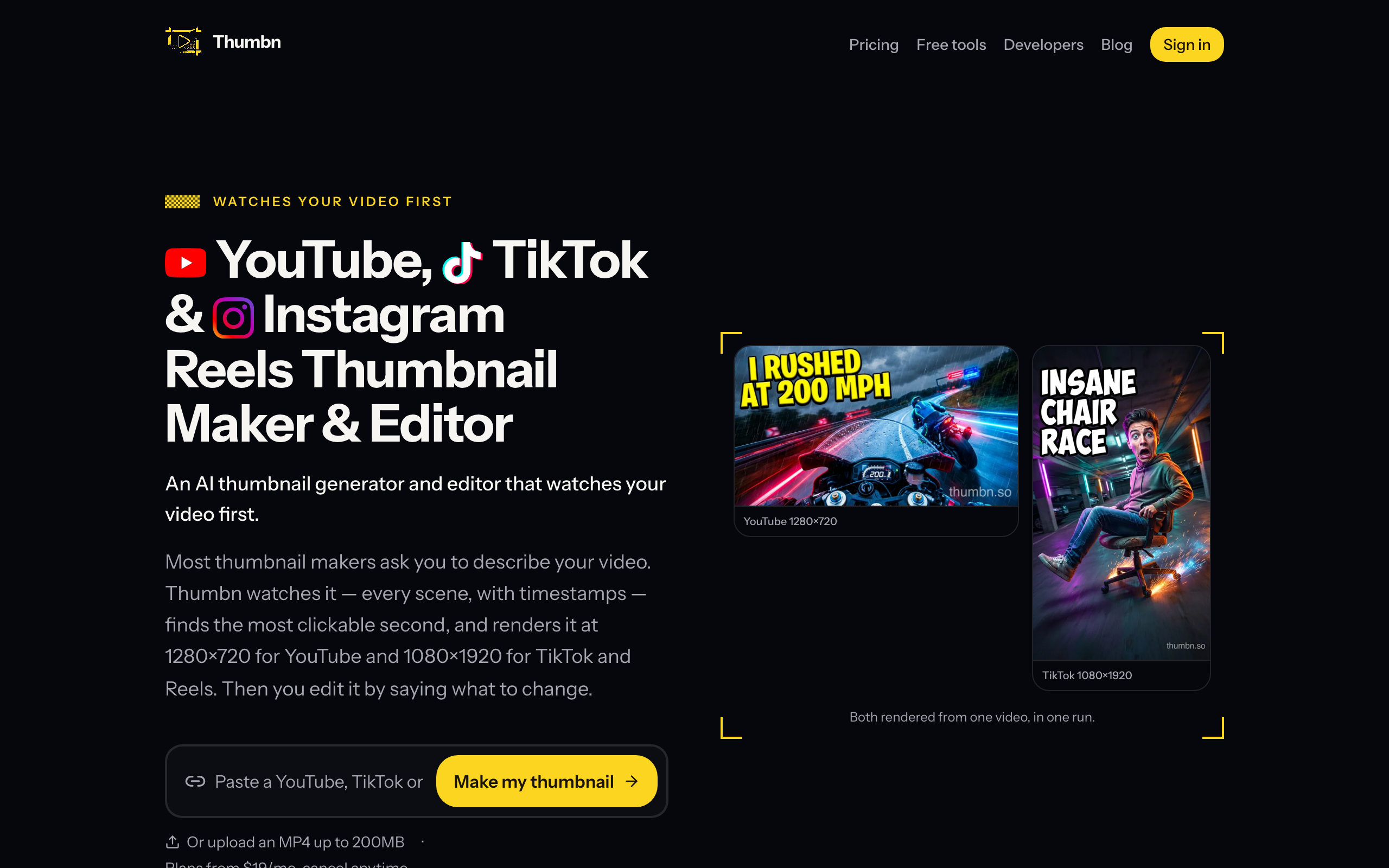
Most thumbnail makers ask you to describe your video in a text box. Thumbn watches it instead. Paste a YouTube, TikTok or Instagram Reels link, or upload the file, and it works through the footage scene by scene with timestamps, finds the most clickable second, writes a MrBeast-style concept, and renders the image. Then it scores its own work and re-edits until it clears a quality bar. It renders every platform size in one run, 1280x720 for YouTube and 1080x1920 for TikTok and Reels, and you tweak the result by saying what to change rather than nudging layers around.
Key features
- Analyses the actual video, not a text description, to find the clickable moment
- Renders YouTube, TikTok and Reels sizes from one job
- A chat-style editor: say what to change and it re-renders
- Self-scoring loop that re-edits until the thumbnail hits a quality bar
- Bring your own OpenRouter key, so you pay the model provider directly
- Free thumbnail tools on the site: maker, downloader, resizer and safe-zone checker
Pricing: plans from $19/mo, cancel anytime. With the bring-your-own-key option you pay the underlying model provider rather than per-thumbnail credits, and there's a set of free tools you can use without an account.
Pros: video-first analysis means concepts that fit the actual content; one run covers all three platforms; the say-what-to-change editor is faster than a design canvas.
Cons: built around video input, so it's less suited to abstract thumbnails with no footage; newer than the big design tools.
Best for: creators who publish real videos across YouTube, TikTok or Reels and want a thumbnail that reflects the footage, without opening an editor. Start with the free YouTube thumbnail maker.
2. Pikzels
Best for prompt-driven, art-directed thumbnails
 Source: pikzels.com
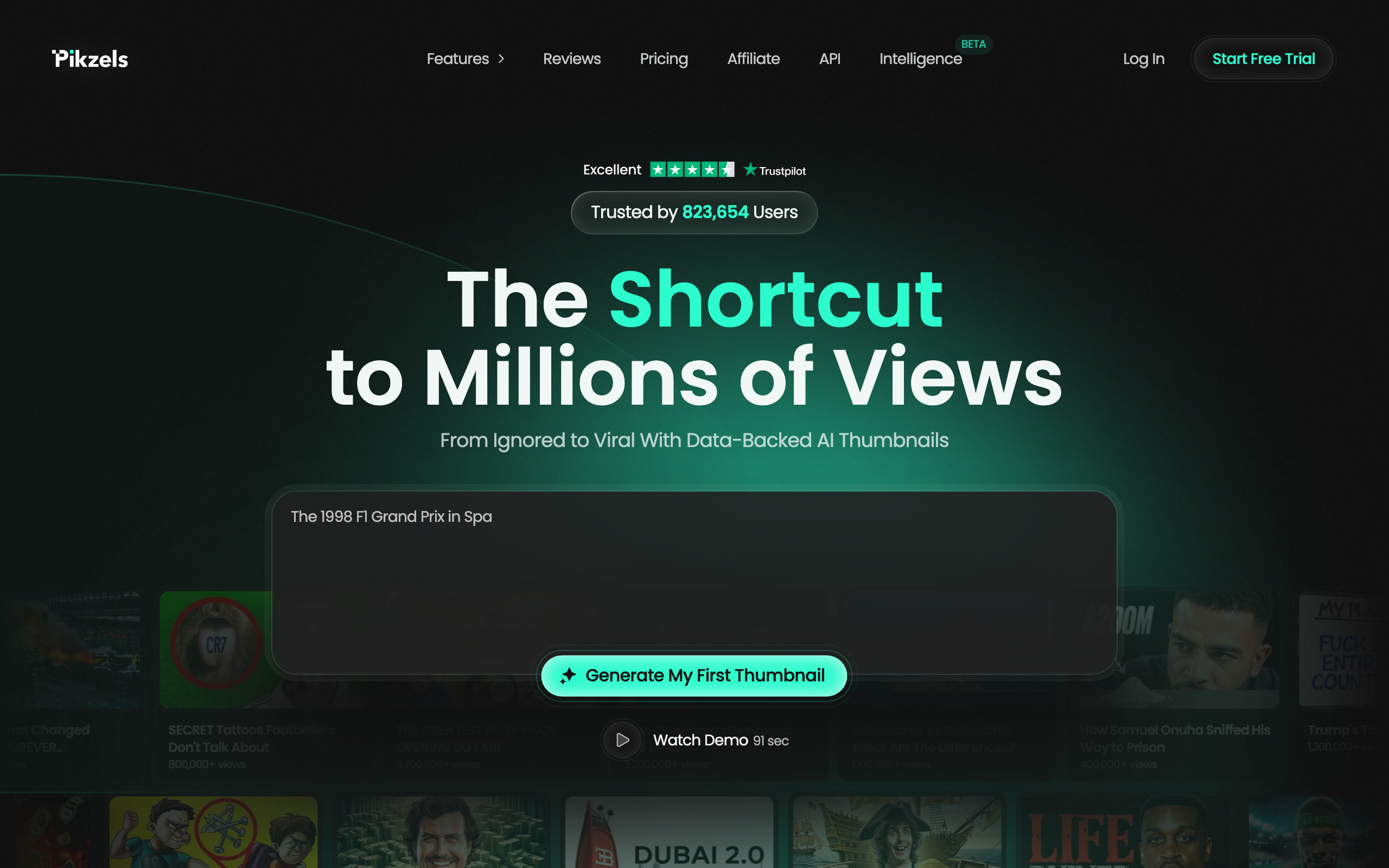
Pikzels is the art director of the group. You describe the thumbnail you want and it generates a whole new composition, and you can steer the emotion, the lighting, and the look of the person until it matches your channel. It leans on a large library of high-performing references, so the output tends to land close to what already works in your niche. Each thumbnail takes roughly a minute and usually needs little cleanup. If you like directing the image with prompts rather than starting from your footage, this is the one.
Key features
- Generates new compositions from a text prompt, not just filters on a photo
- Control over emotion, lighting and subject to match your audience
- Face consistency so your likeness carries across thumbnails
- Reference library of proven thumbnail styles
- Roughly 60 seconds per thumbnail
Pricing: from $28/mo billed annually (about $40/mo month-to-month), which works out near 1,800 thumbnails a year. There's a free trial.
Pros: strong art direction and style control; output usually needs minimal editing; big, credible user base.
Cons: prompt-first, so it doesn't read your actual video; credits can run down fast if you generate a lot of variants.
Best for: creators who want to art-direct a thumbnail with prompts and care about a polished, on-brand look.
3. Thumbmagic
Best budget video-to-thumbnail tool
 Source: thumbmagic.co
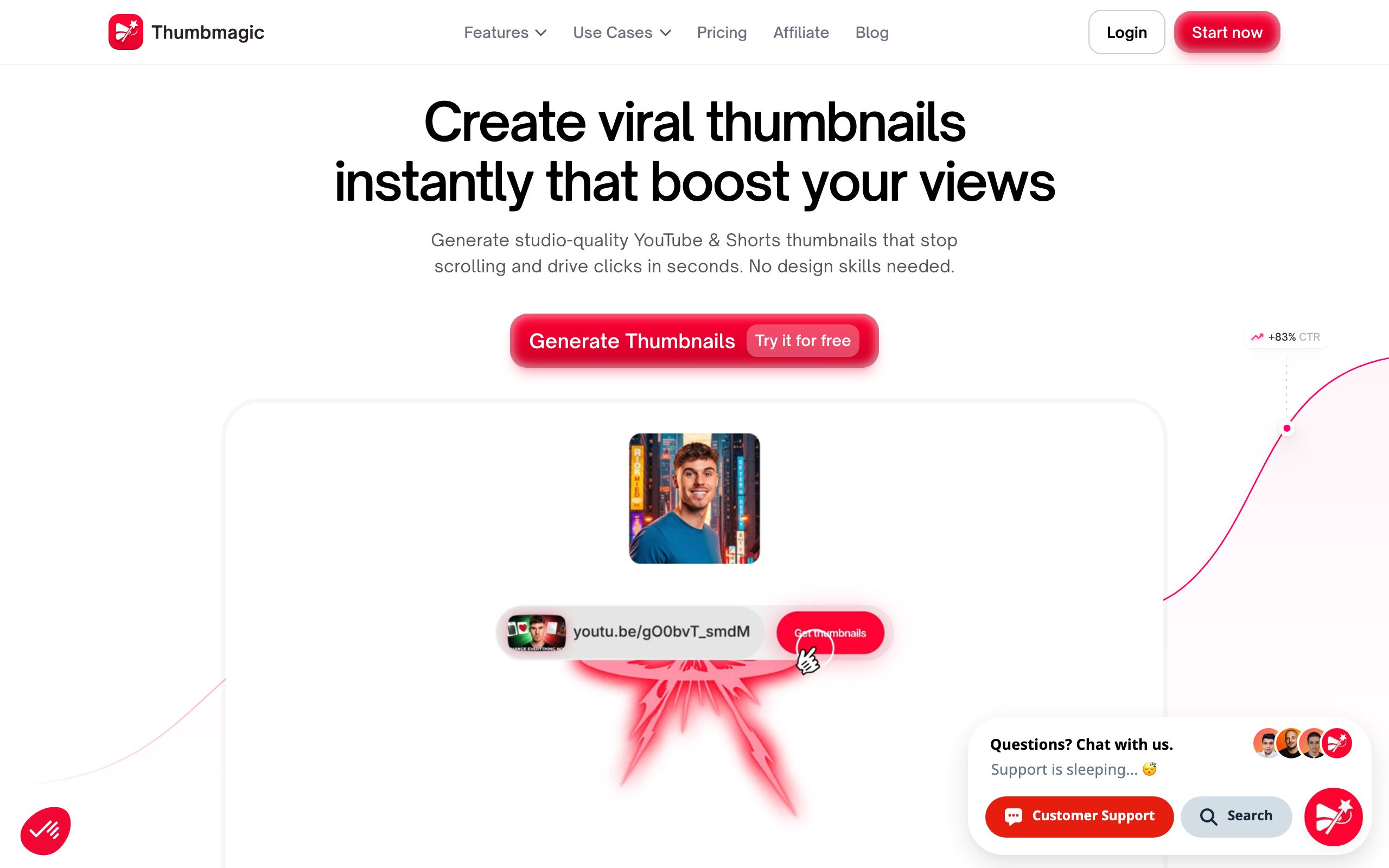
Thumbmagic takes the same video-first idea as Thumbn and packages it at a lower entry price. Paste a YouTube URL and it analyses the content to produce studio-quality YouTube and Shorts thumbnails in roughly 45 seconds, with no prompt engineering. It's aimed squarely at CTR, with proven frameworks baked in, and it's a genuine competitor in the dedicated-thumbnail category. The trade-off is that it's YouTube and Shorts focused rather than a true multi-platform tool, and the cheapest tier caps how many you can make.
Key features
- Video-first: paste a URL and it reads the content
- Around 45 seconds per thumbnail, no prompt writing
- CTR-oriented templates and frameworks
- YouTube and Shorts sizes
- Quick, beginner-friendly flow
Pricing: Starter at $17/mo for 100 thumbnails, Pro at $35/mo for 500, and a Business tier with unlimited output. There's a free trial.
Pros: cheap way into video-first generation; fast and simple; clear CTR focus.
Cons: centred on YouTube and Shorts rather than all platforms; monthly thumbnail caps on the lower tiers.
Best for: YouTubers on a budget who want video-to-thumbnail generation without paying premium rates.
4. Thumio
Best for putting your own face in the thumbnail
 Source: thumio.com
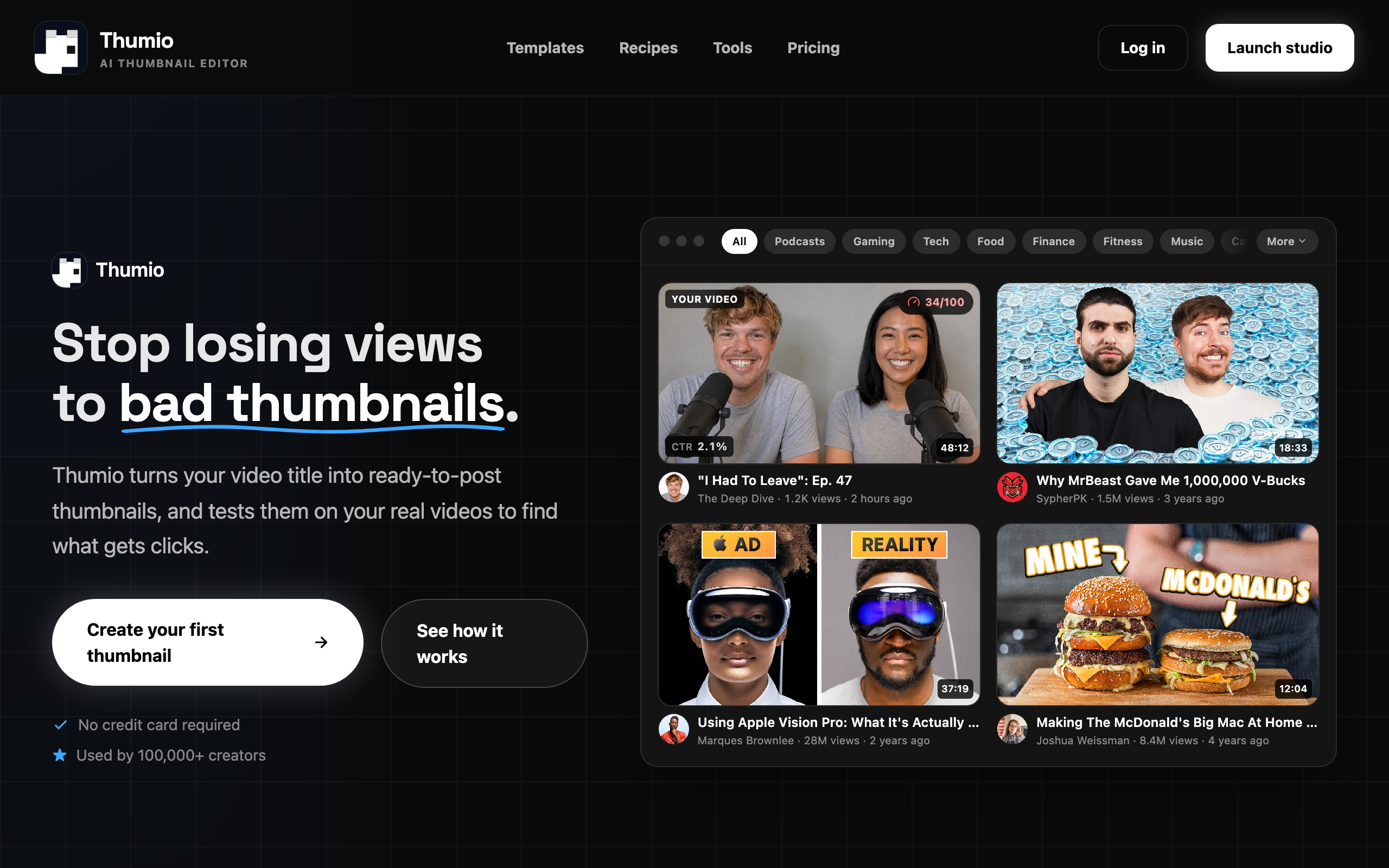
Thumio is the face specialist. Its standout feature, "Insert Me", composites your portrait into an AI-generated scene with realistic lighting and edge blending, so you land in the thumbnail without a green screen or a photoshoot. Expression Control goes further: upload one neutral selfie and it morphs your face into the high-energy look that thumbnails live on. It's pitched as an editor rather than a one-shot generator, and it scores its concepts against your real videos to work out what gets clicks. If you appear in your own thumbnails, this is built for you.
Key features
- "Insert Me" composites your face into AI scenes with realistic blending
- Expression Control morphs a neutral selfie into a high-energy look
- Character library so your likeness stays consistent
- Templates and recipes for a fast start
- Scores thumbnails against your real videos to gauge clicks
Pricing: a free plan with no credit card and access to every editing tool, then a Creator plan around $20/mo with higher usage, bulk edits, composites and social-format exports.
Pros: the best face-compositing here; expression control is genuinely clever; the free tier lets you test before paying.
Cons: most useful when you put yourself in thumbnails; you'll often finish the text and layout in a design editor.
Best for: creators who feature their own face and want it dropped into AI scenes with the right expression, fast.
5. vidIQ
Best if you want analytics with your thumbnails
 Source: vidiq.com
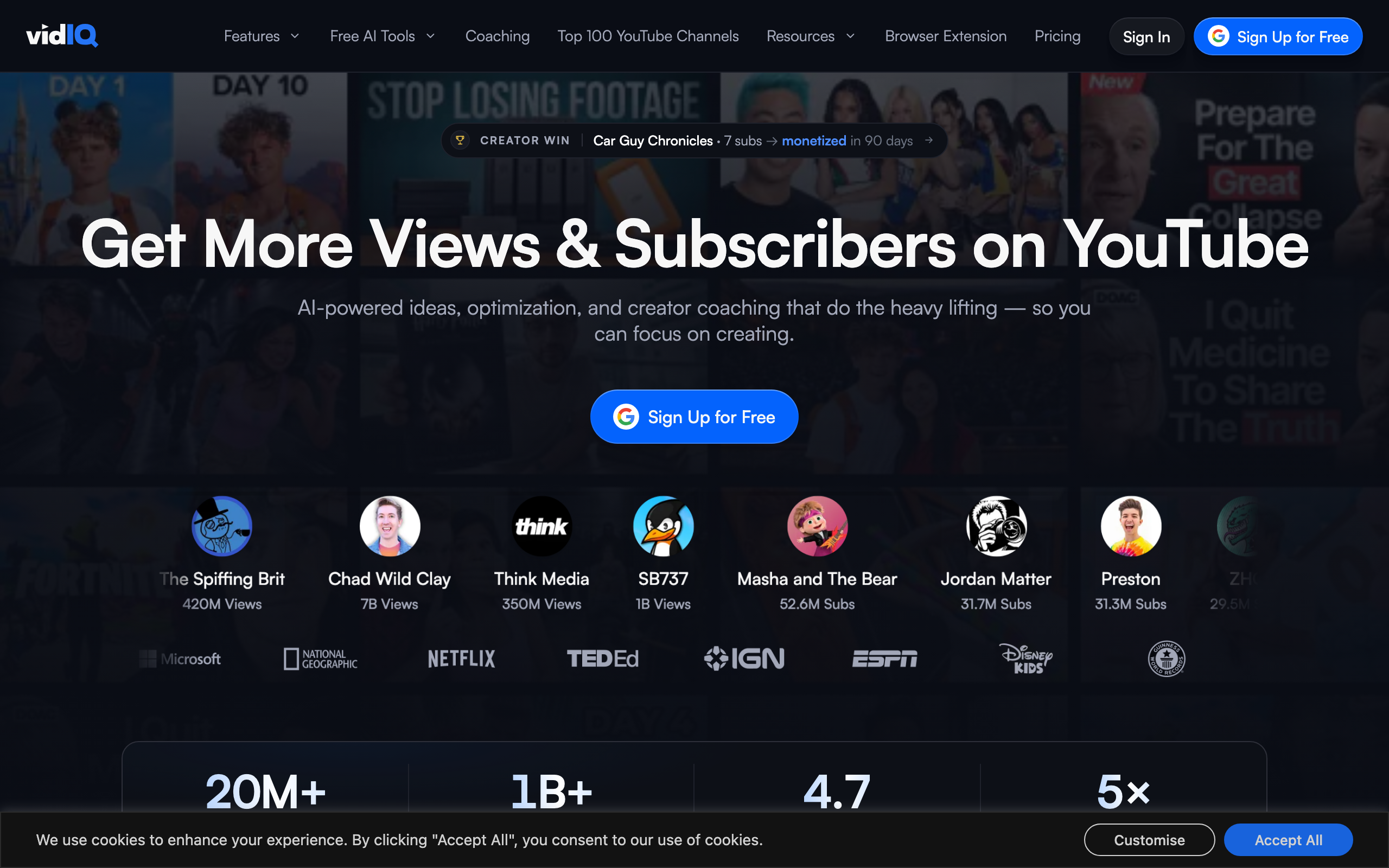
vidIQ isn't really a thumbnail tool. It's a full YouTube growth suite, with keyword research, competitor tracking, AI idea and title tools, coaching, and a browser extension, and the AI thumbnail generator is one feature bolted onto all of that. The upside is context: it suggests directions based on what's working in your niche and sits right next to your analytics. The downside is that the thumbnails themselves are less refined than a dedicated tool's and usually need manual fine-tuning before they're ready to publish.
Key features
- Keyword research, analytics and competitor tracking
- AI thumbnail generator alongside title and idea tools
- Suggestions informed by your niche's performance
- Browser extension for in-YouTube data
- Creator coaching on higher tiers
Pricing: a permanent free plan with 150 monthly credits, then Boost from $16.58/mo billed annually (around $19 month-to-month) with 2,000 AI credits, and a higher Max tier.
Pros: thumbnails sit next to real analytics; excellent for overall channel growth; strong free tier.
Cons: thumbnails are a side feature and need fine-tuning; you're paying for the whole suite, not a thumbnail specialist.
Best for: creators who want one subscription for research, analytics and the occasional AI thumbnail.
6. 1of10
Best for outlier and viral research
 Source: 1of10.com
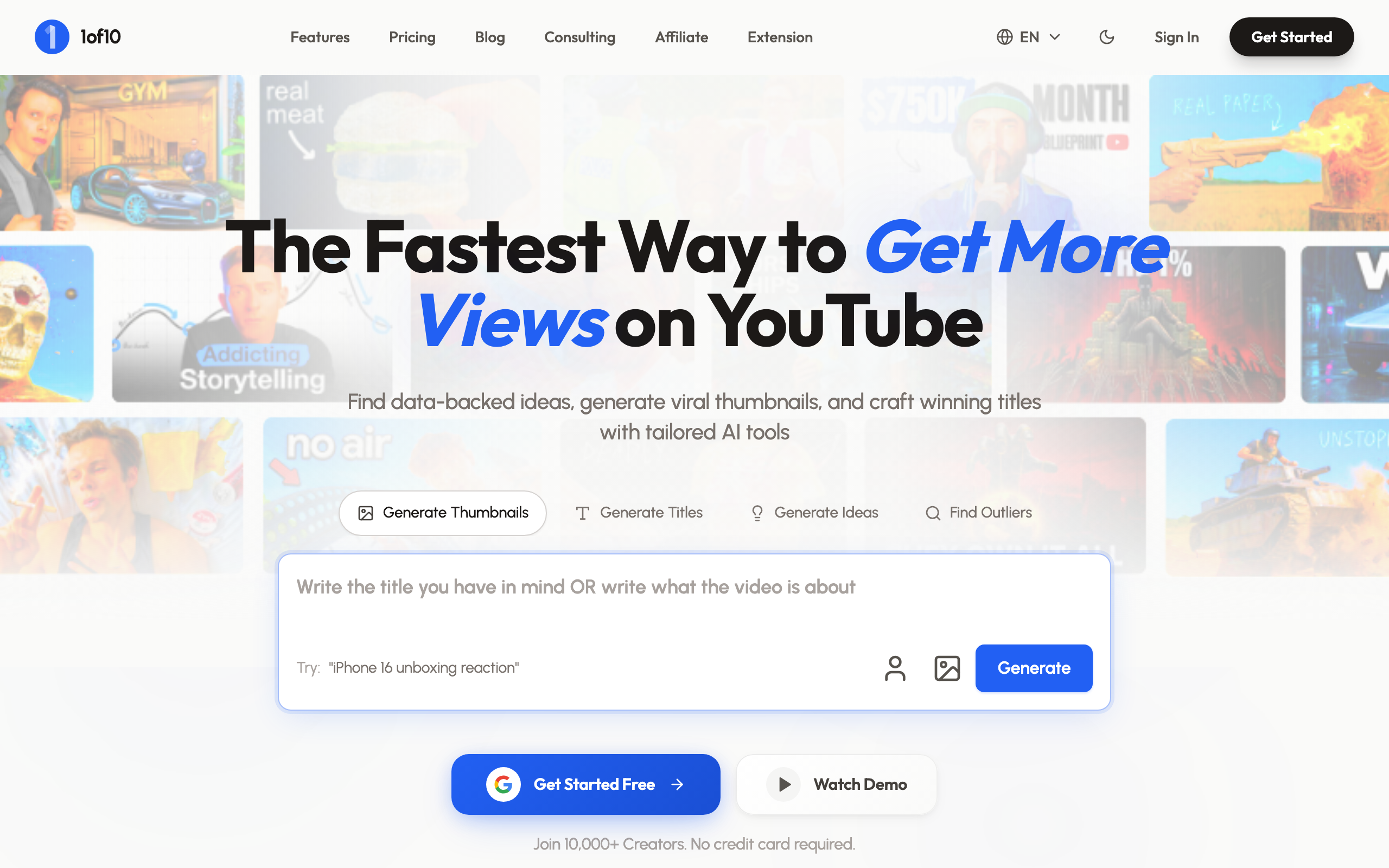
1of10 starts from a different question: not "what thumbnail should I make?" but "what's already going viral in my niche?" It surfaces outlier videos, the ones massively outperforming their channel's norm, so you can reverse-engineer the thumbnails and titles that are winning right now, then generate your own with its AI tools. It's research-led, which makes it powerful for ideation, though the AI thumbnail generation sits on the top tier and the tool is broader than thumbnails alone.
Key features
- Outlier database of videos over-performing their channel average
- Thumbnail and title search to study what's working
- AI thumbnail, title and idea generators on the Pro tier
- Niche explorer and virality monitoring
- Browser extension
Pricing: a free plan to search the outlier database and track three channels; Basic at $29/mo for research with no AI; Pro at $69/mo adding AI generation with 1,000 monthly credits. Prices are annual, with monthly billing higher.
Pros: genuinely useful for finding proven angles; the research edge is hard to get elsewhere; solid free tier for browsing.
Cons: AI thumbnail generation is locked to the pricey Pro tier; it's a research tool first, a thumbnail maker second.
Best for: data-driven creators who want to study outliers before they design, and who'll use the wider research toolkit.
7. Canva
Best manual design editor
 Source: canva.com
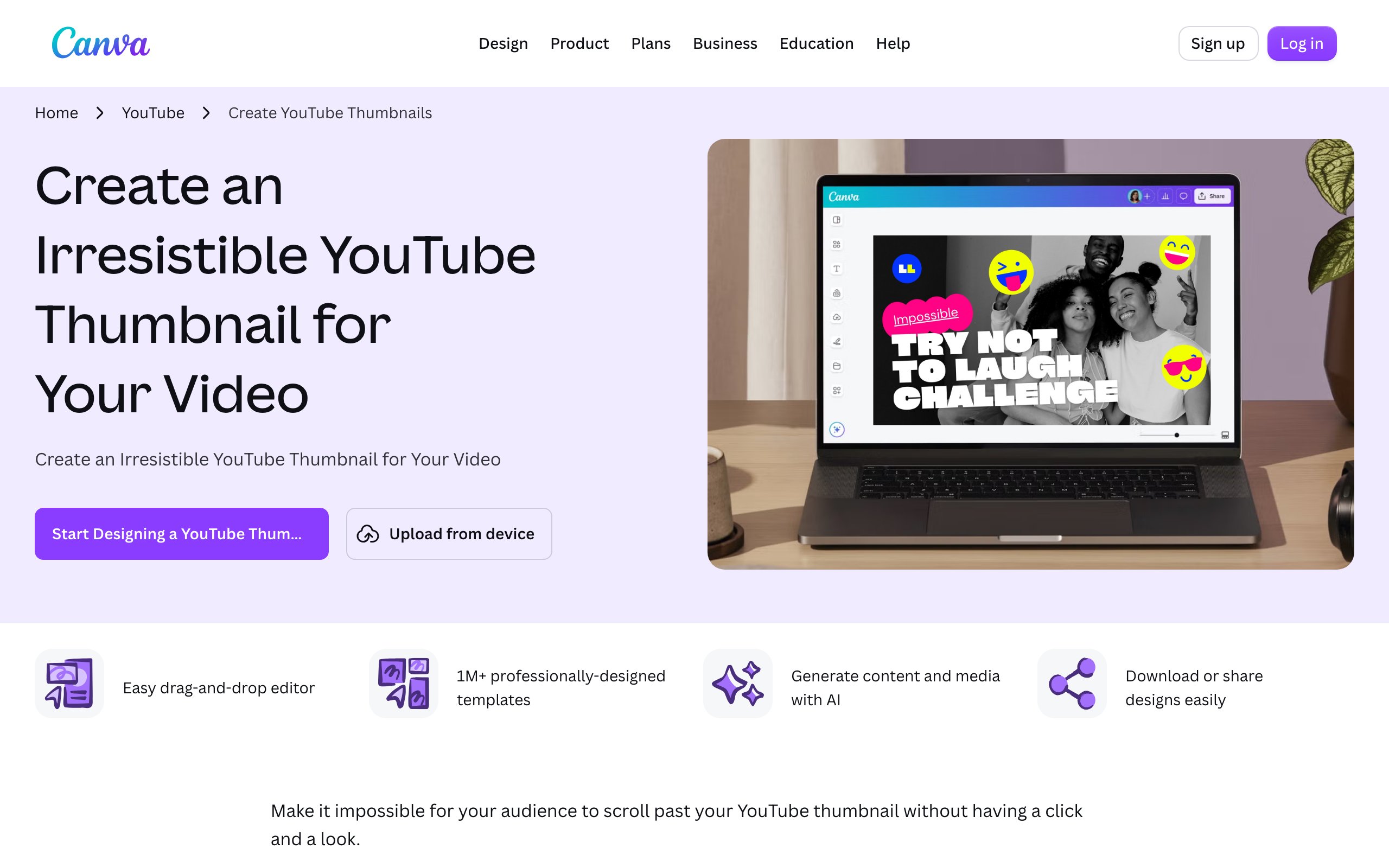
Canva is the tool most people already have open. It's a general design editor, not a dedicated AI thumbnail maker, but its YouTube thumbnail workflow is excellent: over a million templates, genuine drag-and-drop control, and a growing set of Magic AI features for backgrounds and image generation. If you want to place every element yourself and have full control over the layout, nothing here beats it. The catch is that it's manual by default, so you're doing the design work, and it has no idea what's in your video.
Key features
- Over a million templates, including thousands for thumbnails
- Full drag-and-drop editing with precise control
- Magic AI tools for backgrounds, image generation and edits
- Background remover and huge asset library
- Works across every format, not just thumbnails
Pricing: a real free plan that covers most thumbnail work, with Canva Pro around $18/mo for the premium templates and AI features.
Pros: unmatched manual control; you probably already know it; the free tier is genuinely useful.
Cons: it's manual design, not automated generation; no understanding of your actual video; template thumbnails can look generic if you don't customise them.
Best for: creators who enjoy designing and want total control over every pixel of the layout.
8. Fotor
Best cheap, simple thumbnail maker
 Source: fotor.com
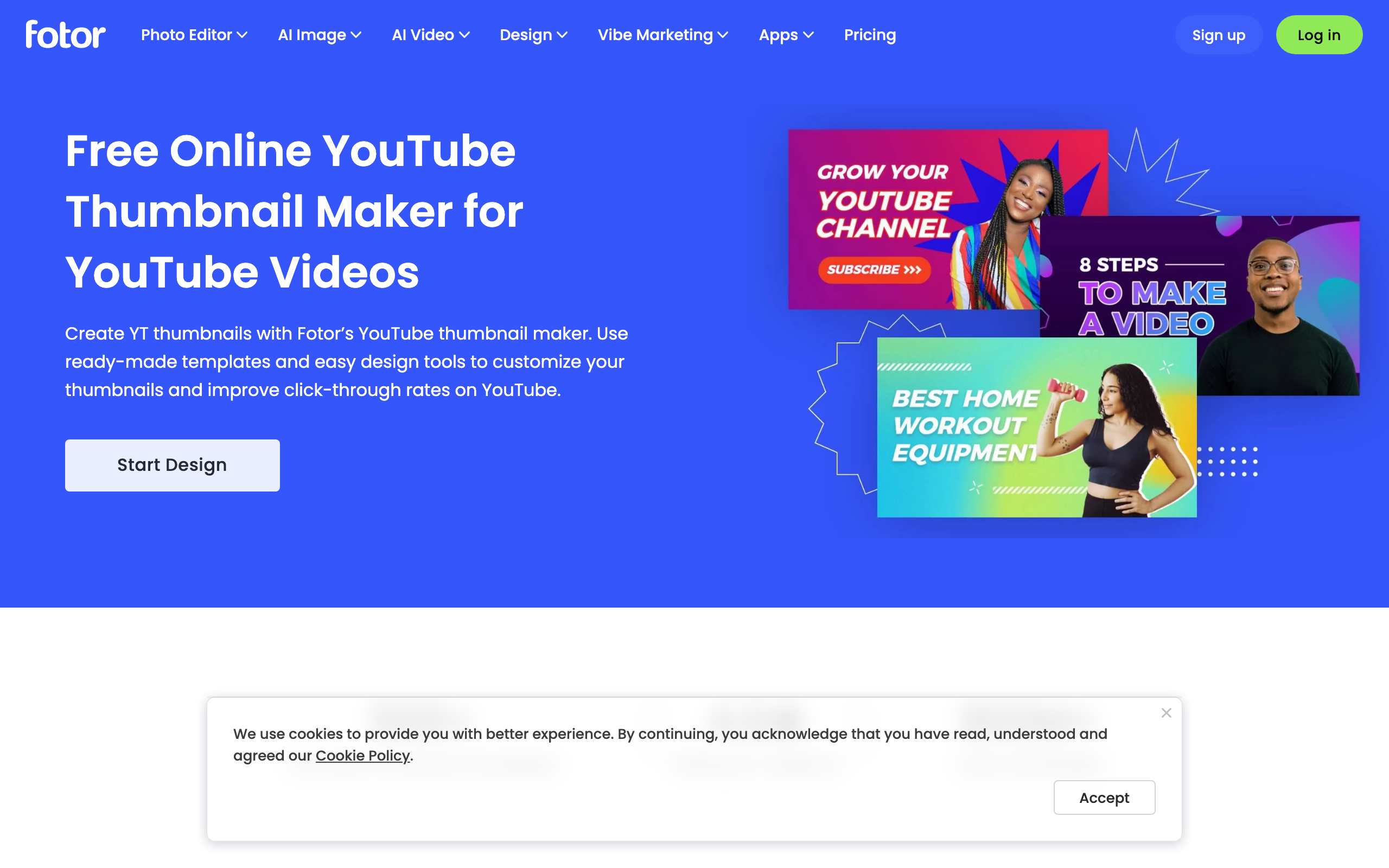
Fotor is the budget design option. It's an online photo editor with a dedicated YouTube thumbnail maker, ready-made templates, a background remover and a set of AI image tools, all at a lower price than Canva. It won't watch your video or research your niche, and its template library is smaller than Canva's, but for quickly customising a decent thumbnail on the cheap it does the job. Think of it as the no-frills manual editor for people who find Canva overwhelming or overpriced.
Key features
- Dedicated YouTube thumbnail maker with templates
- One-click background remover
- AI image generation and editing tools
- Simple, approachable editor
- Free tier plus low-cost paid plans
Pricing: a free plan, with Fotor Pro at $8.99/mo and Pro+ at $19.99/mo for heavier use and more AI credits.
Pros: cheapest paid design tool here; simple to learn; handles the basics well.
Cons: smaller template library than Canva; no video or research features; the free tier is limited.
Best for: creators who want a straightforward, low-cost editor and don't need AI to read their footage.
Quick comparison table
All eight on one screen. Prices are entry-level and indicative for 2026, so check current plans before you buy.
Tool | Type | Best for | Starts at |
|---|---|---|---|
Thumbn | AI, video-first | Multi-platform thumbnails from your video | $19/mo |
Pikzels | AI, prompt-first | Art-directed, on-brand thumbnails | $28/mo |
Thumbmagic | AI, video-first | Budget video-to-thumbnail | $17/mo |
Thumio | AI, face editor | Putting your face in the thumbnail | Free, ~$20/mo |
vidIQ | Growth suite | Thumbnails plus analytics | Free, $16.58/mo |
1of10 | Research suite | Outlier and viral research | Free, $69/mo for AI |
Canva | Design editor | Manual design control | Free, ~$18/mo |
Fotor | Design editor | Cheap, simple editing | Free, $8.99/mo |
The short version: if you make real videos and want the thumbnail to match the footage across platforms, use Thumbn. If you'd rather art-direct with prompts, use Pikzels. On a tight budget, Thumbmagic or Fotor. If you put your own face in the frame, Thumio. If you want research and analytics wrapped in, vidIQ or 1of10. And if you love designing by hand, Canva.
Frequently asked questions
What is the best AI thumbnail generator in 2026?
It depends on how you work, but for most video creators the strongest pick is a video-first tool that reads your actual footage rather than a text prompt. Thumbn does that and renders YouTube, TikTok and Reels sizes in one run, which is why it leads this list. If you prefer to art-direct with prompts, Pikzels is the best of that style. If budget is the main constraint, Thumbmagic gives you video-first generation at a lower price.
Do AI thumbnails actually improve click-through rate?
A good thumbnail improves CTR, and AI helps you make good thumbnails faster, but the tool doesn't guarantee clicks on its own. What moves the number is a clear focal point, a readable expression, and a concept that matches the video, all of which the better AI tools are trained to produce. Most channels sit somewhere between a 2% and 10% click-through rate, with around 4% to 5% being typical, so a stronger thumbnail that lifts you a couple of points is a real difference in views.
Are there free AI thumbnail makers worth using?
Yes. Canva and Fotor both have genuinely usable free plans for manual design, vidIQ and 1of10 have free tiers for research, and Thumbn offers free thumbnail tools you can use without an account. Free is enough to start and to test whether a tool fits how you work. You typically pay once you need volume, higher resolution, or the AI generation features rather than just templates.
What size should a YouTube thumbnail be?
A YouTube thumbnail should be 1280x720 pixels, a 16:9 ratio, ideally under 2MB and in JPG, PNG or GIF. TikTok and Instagram Reels covers are vertical at 1080x1920. The tools here export the correct sizes for you, and Thumbn renders all of them from a single job so you don't resize by hand. If you're designing manually, keep the important elements away from the bottom-right corner where the video duration sits.
Should I use a dedicated AI thumbnail tool or just Canva?
Use a dedicated AI tool if you want speed and want the software to generate the concept for you, especially across multiple platforms. Use Canva if you enjoy designing and want to control every element yourself. Many creators do both: generate a strong base with an AI tool, then open it in a design editor for final tweaks. The AI tools save the most time when you publish often and can't spend an hour per thumbnail.
Why do my thumbnails get low click-through rates?
Usually because they're cluttered, hard to read at small sizes, or disconnected from the title and the video. A thumbnail is seen at the size of a postage stamp on mobile, so one clear subject and a readable expression beat five competing elements every time. Test your design at small scale before publishing, make sure it pairs with the title rather than repeating it, and match the promise to what the video actually delivers, or the click won't turn into a watch.
The honest summary: the tool matters less than the thinking behind the thumbnail, but the right tool removes the friction so you'll actually make a good one for every video. If you publish real footage and want the fastest path to a thumbnail that fits it, start with a video-first generator. If you love designing, keep Canva open. Either way, the creators who win are the ones who treat the thumbnail as the most important frame of the whole video, because to the algorithm and the viewer, it is.