Instagram Reels
Instagram Reels Thumbnail Maker
A Reels cover has to survive being cropped. It shows nearly full frame in the Reels tab, but your profile grid crops it square, and anything important near the top or bottom disappears.
Thumbn watches the video, picks the strongest moment, and renders a 1080x1920 cover with the subject held near the centre so the square crop still works.
Or upload an MP4 up to 200MBPlans from $19/mo, cancel anytime
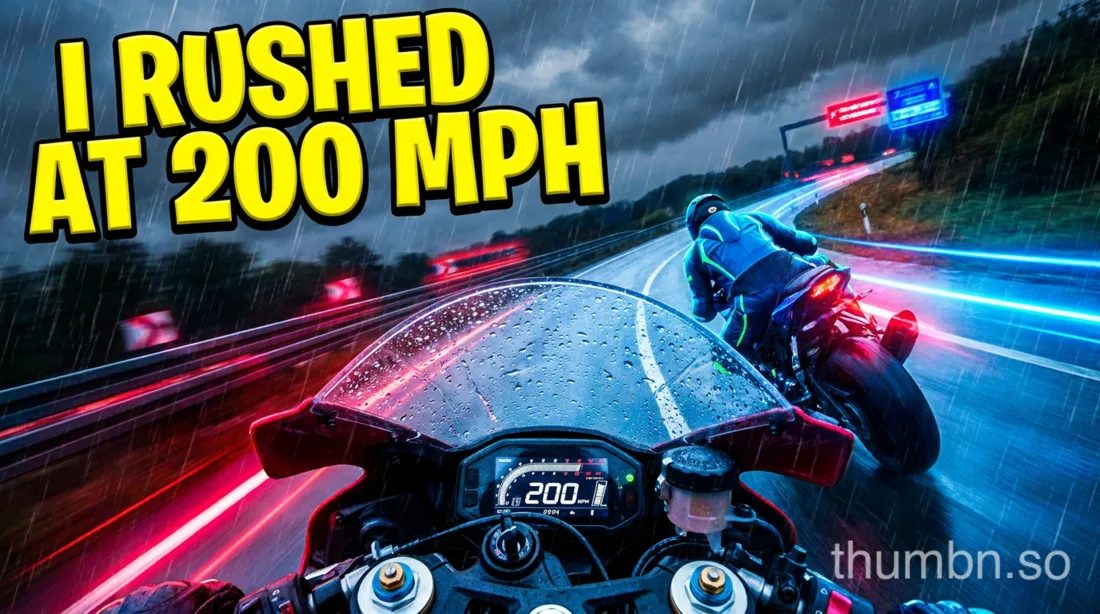

Both rendered from one video, in one run.
Specifications
Instagram Reels thumbnail size and specifications
- Resolution
- 1080 x 1920 pixels
- Aspect ratio
- 9:16
- Profile grid
- Cropped to a square from the centre
- Safe area
- Keep the subject and text centred
How Thumbn makes a Instagram Reels thumbnail
Paste a Instagram Reels link or upload the video file. Thumbn watches the footage scene by scene with timestamps, rather than asking you to describe it.
It picks the single most clickable second, writes a thumbnail concept in the style you choose, and renders it at 1080x1920, with the subject held centre for the grid crop.
Each render is then scored against that style's rubric and re-edited until it clears the bar. Every version is kept, so you can go back to any earlier one.
Editing a Instagram Reels thumbnail after it is generated
A generator that stops after one image is not much use. Click any thumbnail and tell the agent what to change: bigger text, a different background, a red arrow, a tighter crop on the face.
The agent edits that exact image and returns a new version. Nothing is overwritten, so the earlier one is always still there.
You can attach reference images too, so your own face, logo or brand colours stay consistent across a whole channel.
Designing for two crops at once
The cover you choose is shown almost full frame in the Reels tab, but your profile grid takes a square from the middle of it.
So a headline across the bottom looks fine in one place and vanishes in the other. Keep the subject and any text within the central square and it reads correctly in both.
This is the single most common mistake with Reels covers, and it is invisible until you look at your own profile grid.
For creators cross-posting to TikTok and YouTube
The vertical cover works for both Reels and TikTok, and the same concept renders in 16:9 for YouTube in the same run.
See the TikTok thumbnail maker and the YouTube thumbnail maker.
Frequently asked questions
What size is an Instagram Reels cover?
1080 x 1920 pixels, a 9:16 vertical ratio. Keep the subject centred, because your profile grid crops the cover to a square.
Can you change a Reels cover after posting?
Yes. Edit the Reel in Instagram and choose a different cover frame or upload an image. Thumbn produces the image for you to upload.
Why does my Reels cover look cropped on my profile?
The profile grid takes a square crop from the centre of the 9:16 cover. Anything near the top or bottom edge is cut off there, which is why text along the bottom disappears.
Is there a free Instagram Reels thumbnail maker?
Thumbn is paid, from $19 a month. Instagram lets you pick a frame from the video for free, but only frames that already exist in the footage.
Do Reels covers affect reach?
They affect clicks from your profile grid, the Reels tab and search rather than the algorithmic feed itself, where Reels autoplay. A consistent set of covers is what makes a profile worth scrolling.
Make your next Instagram Reels thumbnail
Give Thumbn the video. It finds the moment, renders the thumbnail, and keeps editing until it earns the click.
- Every version kept
- No watermark on paid plans
- Cancel anytime