TikTok
TikTok Thumbnail Maker
TikTok calls it a cover, and it does more work than people expect. It is what someone sees on your profile grid, in search, and when a video is shared.
Thumbn watches your video, picks the frame with the most tension, and renders a 1080x1920 cover. You can then edit it by describing the change rather than redesigning it.
Or upload an MP4 up to 200MBPlans from $19/mo, cancel anytime
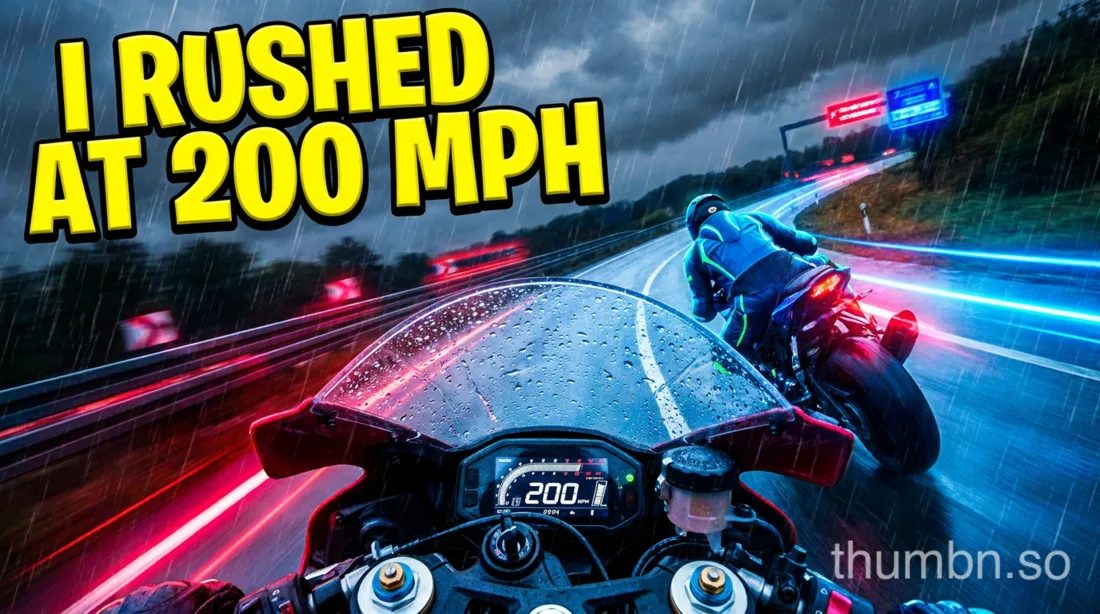

Both rendered from one video, in one run.
Specifications
TikTok thumbnail size and specifications
- Resolution
- 1080 x 1920 pixels
- Aspect ratio
- 9:16
- Where it appears
- Profile grid, search results, shares
- Safe area
- Keep text clear of the bottom third and right edge
How Thumbn makes a TikTok thumbnail
Paste a TikTok link or upload the video file. Thumbn watches the footage scene by scene with timestamps, rather than asking you to describe it.
It picks the single most clickable second, writes a thumbnail concept in the style you choose, and renders it at 1080x1920, the full vertical frame.
Each render is then scored against that style's rubric and re-edited until it clears the bar. Every version is kept, so you can go back to any earlier one.
Editing a TikTok thumbnail after it is generated
A generator that stops after one image is not much use. Click any thumbnail and tell the agent what to change: bigger text, a different background, a red arrow, a tighter crop on the face.
The agent edits that exact image and returns a new version. Nothing is overwritten, so the earlier one is always still there.
You can attach reference images too, so your own face, logo or brand colours stay consistent across a whole channel.
Why the cover matters more than the first frame
In feed, a TikTok autoplays and the cover barely registers. Everywhere else it is the whole first impression: your profile grid, search, and any link someone shares.
A profile that reads as a coherent set of covers keeps people scrolling through your back catalogue. That is where covers earn their views.
Keep text out of the bottom third and away from the right edge, where the caption and the action buttons sit over the video.
For creators posting the same video everywhere
One run produces the vertical cover for TikTok and a 16:9 image for YouTube from the same concept.
See the YouTube thumbnail maker and the Instagram Reels thumbnail maker.
Frequently asked questions
What size is a TikTok thumbnail?
1080 x 1920 pixels, a 9:16 vertical ratio, matching the video frame. Thumbn renders covers at exactly this size.
Can you change a TikTok cover after posting?
Yes. Edit the post in the TikTok app and select a different frame or upload a new cover image. Thumbn gives you the image; you upload it as the cover.
Is there a free TikTok thumbnail maker?
Thumbn is paid, starting at $19 a month. TikTok's own cover picker is free but limited to frames that already exist in your video, which is the constraint an AI cover removes.
Where should text go on a TikTok cover?
Keep it in the upper two thirds and away from the right edge. The caption, username and action buttons overlay the lower and right portions of the frame in feed.
Does the TikTok cover affect views?
Indirectly. It has little effect in the main feed, where video autoplays, but it drives clicks from your profile grid, search results and shared links, which is where back catalogue views come from.
Make your next TikTok thumbnail
Give Thumbn the video. It finds the moment, renders the thumbnail, and keeps editing until it earns the click.
- Every version kept
- No watermark on paid plans
- Cancel anytime